


Sort By: Best selling

Built to Perform, Made to Last
Frequently Asked Questions About USB-C Cables
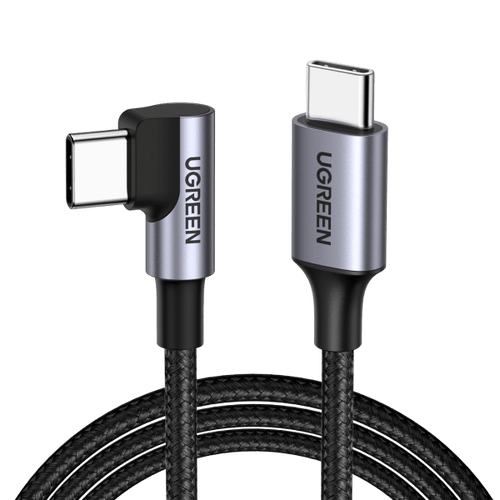
Choose a USB-C to USB-C cable based on how you will use it: charging a phone, powering a laptop, transferring files or connecting a display. Check the cable's maximum charging wattage, stated data speed and whether video output is supported. USB-C describes the connector, not a guarantee of every feature. For charging, match the cable to your device and a compatible USB-C charger. For external screens or storage, check that the computer, cable and accessory support the same required features. Cable length and connector shape also matter for everyday convenience.
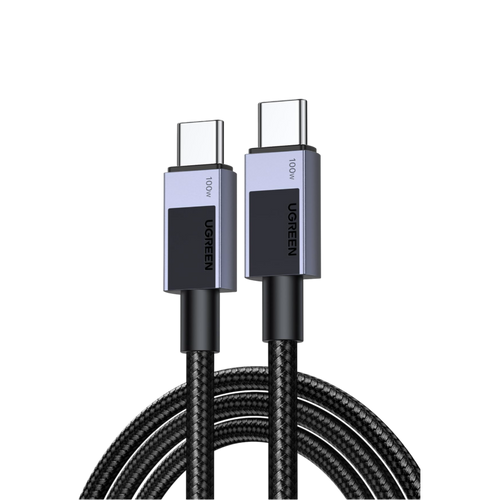
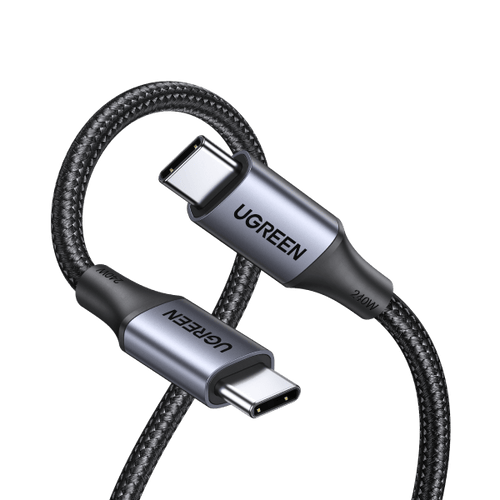
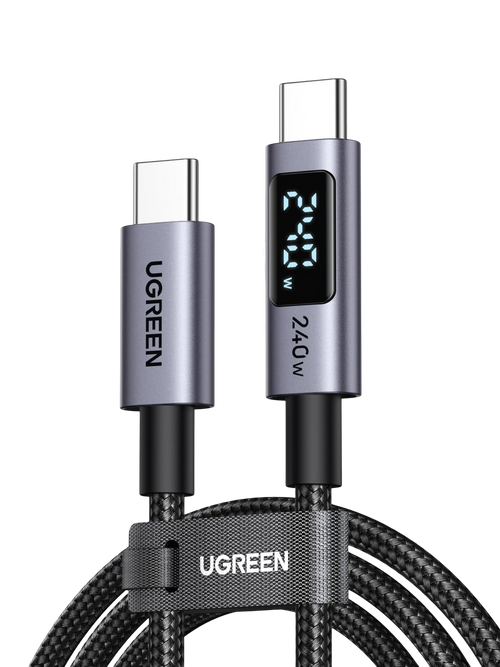
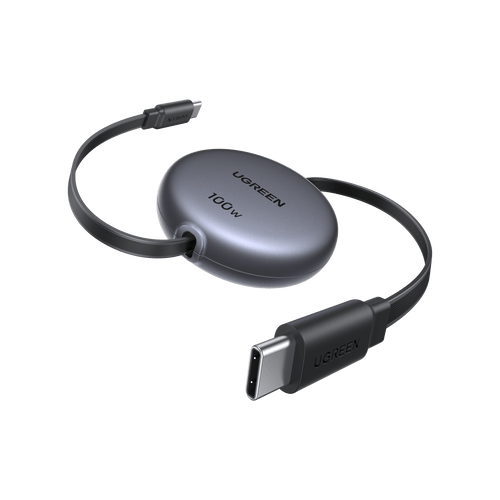
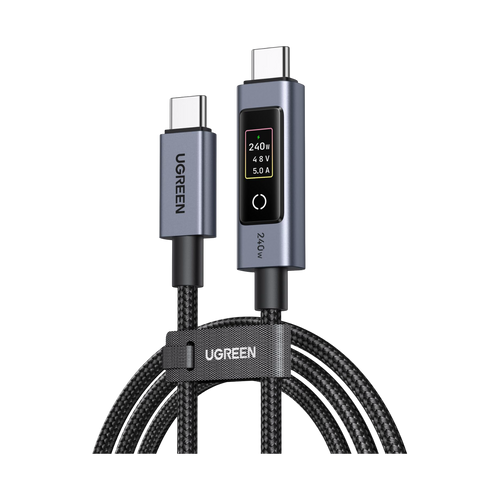
These figures describe the maximum charging power a cable is designed to support, not the power your device will automatically receive. A 60W cable can suit phones, tablets and some lightweight laptops. A 100W-rated model offers more headroom for compatible laptops, while a 240W cable supports higher-power USB Power Delivery setups when the charger and device also support them. For charging above 60W, check the cable's current rating and electronic marking. Remember that charging power does not indicate data transfer speed or video capability. Always compare the exact model specifications.
Not necessarily. Charging speed depends on the device, power adapter, cable and supported charging protocols. Switching from a suitable 60W cable to a 240W cable will not make a phone that accepts only 25W charge any faster. However, a cable with too low a power rating may restrict a laptop that needs more power. Check your device manufacturer's charging specifications and pair the cable with a compatible adapter. Our iPhone chargers collection can help with suitable charging options for Apple devices. A higher cable rating provides headroom, not a guarantee of faster charging.
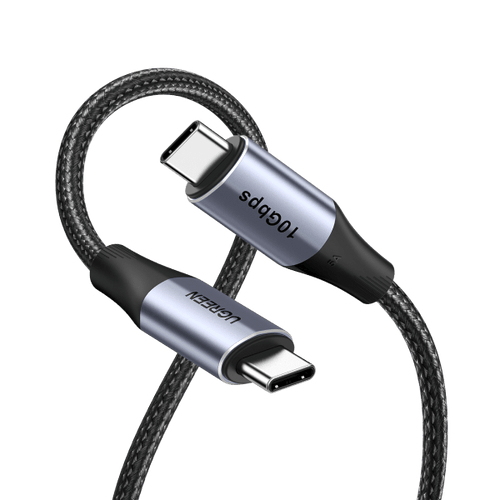
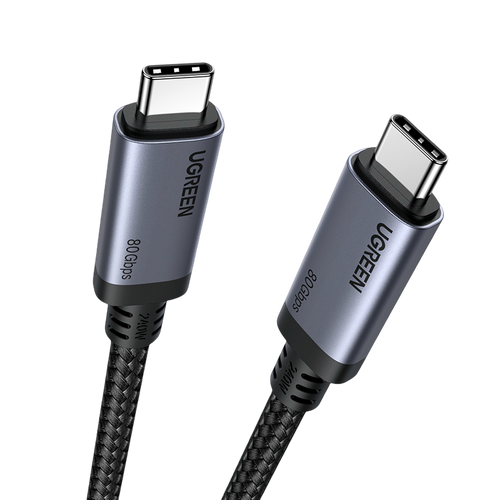
These figures refer to the maximum supported data transfer rate, assuming the connected devices also support it. A 480Mbps USB 2.0 cable can be fine for charging and occasional file transfers, even when rated for 100W or 240W. A 10Gbps cable is better suited to compatible external drives and larger files. An 80Gbps USB4 cable is designed for much higher-bandwidth connections, but cannot make slower devices run faster. Check your computer and accessories before choosing. Our guide to charging cables and data transfer explains why charging power and data speed are separate specifications.
No. Two cables with identical USB-C connectors may support different features. Many charging-focused USB-C cables provide USB 2.0 data transfer and explicitly do not support video output. To connect a laptop to a monitor, choose a cable that supports the required video connection, such as DisplayPort Alt Mode or a compatible USB4 connection. Your laptop's USB-C port, monitor and any USB-C hub must also support the necessary features, resolution and refresh rate. Check the specifications of the exact cable before buying rather than assuming every USB-C cable can carry a display signal.
Not always. Some external SSDs and docking stations work with ordinary USB-C cables, but using a lower-specification cable may restrict data speed or display features. Choose the cable according to the required transfer rate, video capabilities and supported standards of your computer and accessories. USB4 makes sense for compatible high-bandwidth storage, docks and display setups. However, an 80Gbps cable cannot make a 10Gbps SSD transfer files at 80Gbps. If you use a docking station, confirm its host connection requirements and whether the cable must support charging, data, video or a combination of these functions.
Cable length can matter, particularly for high-speed data transmission and higher-power charging. Longer cables may have more electrical resistance, while maintaining fast data rates over greater distances can require specialised construction or an active cable. That does not mean every long USB-C cable is slow: quality, wire gauge and the supported specifications all make a difference. Choose a practical length and check the product's stated power and data capabilities rather than assuming that every two-metre cable performs like a shorter one. Our USB cable length guide explains the main trade-offs.
An E-Marker is an electronic component used in certain USB-C cables to identify capabilities such as supported current and cable type. It is particularly relevant for higher-current USB Power Delivery charging, including many cables marketed for 100W or 240W use. An E-Marker does not independently make charging faster or guarantee support for video output. The charger and device still negotiate the power level, and the cable must be suitable for that connection. When choosing a cable, compare its stated wattage, current rating, data speed and video support rather than relying on the presence of an E-Marker alone.