


Sort By: Most relevant


USB-C Chargers for MacBook Air and MacBook Pro
Frequently Asked Questions About MacBook USB-C Chargers
The right wattage depends on your MacBook model. Current MacBook Air models have lower minimum charging requirements than MacBook Pro models, while higher-performance 14-inch and 16-inch MacBook Pro configurations need substantially more power for full-speed charging. Using a charger below the recommended wattage may result in slower charging. See our guide to MacBook Air and MacBook Pro charger wattage before choosing.
Yes. A compatible 65W USB-C Power Delivery charger provides enough power for normal charging of current MacBook Air models and offers useful headroom over their minimum requirements. However, current MacBook Air models require a 70W or higher USB PD power source for Apple-supported fast charging, so a 65W charger should not be described as providing the maximum available fast-charge performance. Learn more in our 65W laptop charging compatibility guide.
It depends on the MacBook Pro. A 65W USB-C charger can meet the minimum requirement of some 14-inch models and may be practical for light workloads, but it is below the requirements of higher-performance configurations and current 16-inch MacBook Pro models. Under heavy workloads, an underpowered charger may charge slowly or fail to keep up with power consumption. Check your exact model before choosing.
Yes. A higher-rated USB-C Power Delivery charger does not force its full wattage into the MacBook. A compatible MacBook negotiates the amount of power it can use, so a 100W or 140W charger can safely power a MacBook Air when the charger and cable meet the required standards. Higher-output models are particularly useful if you also charge other devices or want one adapter for several laptops.
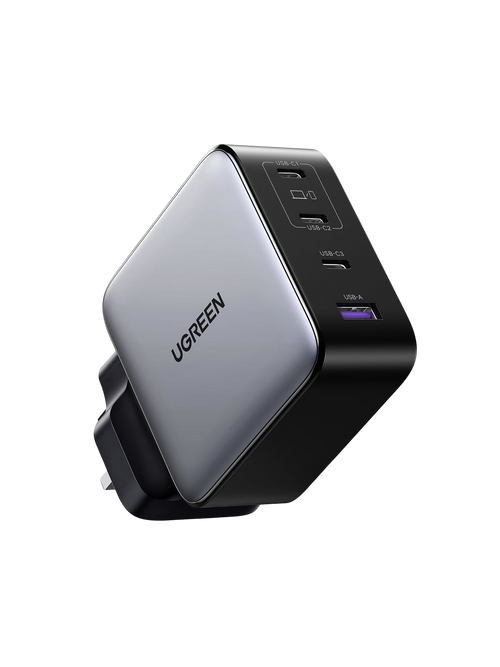
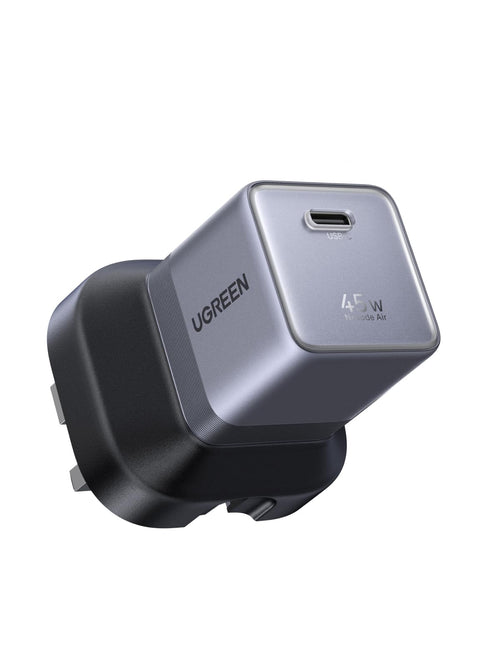
Yes, compatible MacBook models can charge through their USB-C or Thunderbolt ports using a suitable USB-C Power Delivery charger. Models equipped with MagSafe 3 can also charge through MagSafe, giving you a magnetic connection that disconnects more easily if the cable is pulled. USB-C is useful when you want one cable and charger for several devices. Browse suitable GaN Chargers for compact MacBook charging setups.
USB Power Delivery is the key charging standard to look for when choosing a USB-C charger for a MacBook. It allows the charger and MacBook to negotiate suitable voltage and power levels rather than relying on basic USB charging. Wattage still matters: a charger must provide enough output for your specific MacBook and workload. For more guidance, see what to look for when buying a MacBook charger.
Choose a USB-C cable rated for the charging power your MacBook requires. For charging above 60W, use a suitable 5A e-marked cable; higher-power USB PD 3.1 setups may require a 240W EPR-rated cable. An under-rated cable can limit charging even when the charger itself provides enough power. Compare UGREEN USB-C to USB-C cables and check the stated wattage before use.
Yes, if the multi-port charger provides enough total output for all connected devices. When several ports are used, the charger may redistribute its available power, so the MacBook can receive less wattage than when it is connected alone. Choose the total output based on your MacBook first, then allow additional capacity for your phone or tablet. Read more about charging a MacBook and iPhone from one charger.
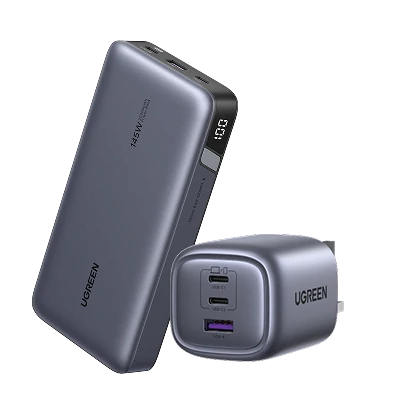
Slow charging can be caused by an adapter with insufficient wattage, an under-rated USB-C cable, power being shared across multiple ports or using a port with a lower maximum output. Heavy workloads can also make the MacBook consume power almost as quickly as it receives it. Check the charger wattage, cable rating and port allocation first. For a portable alternative, compare UGREEN Travel Chargers with suitable laptop output.