


Sort By: Featured

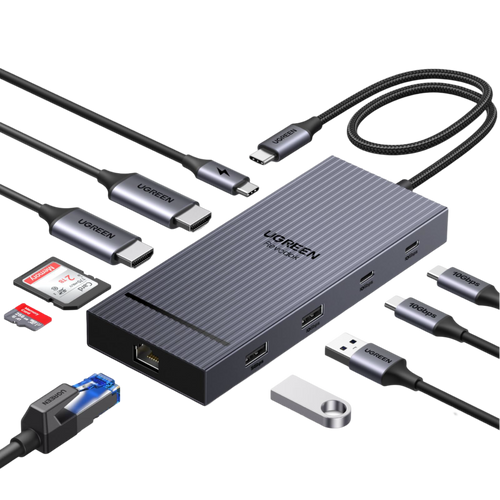
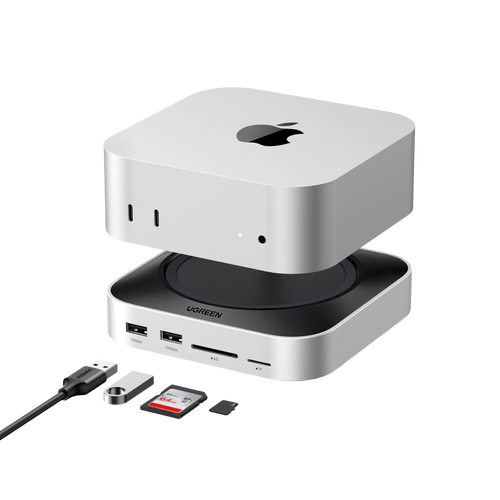
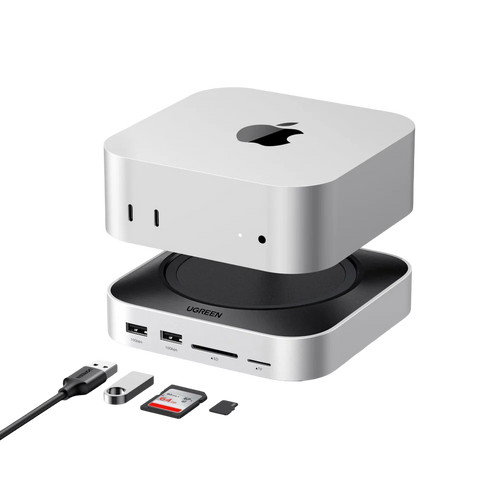
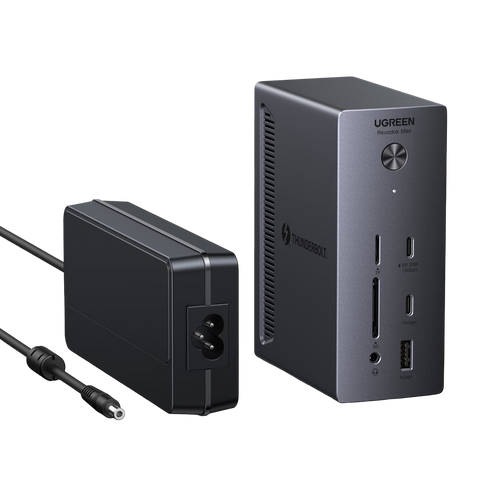
Expand Your Workspace. Simplify Your Life.
FAQs about Thunderbolt 5 and Thunderbolt 4 Docks
A Thunderbolt 5 dock is worth considering if you need more bandwidth for high-resolution displays, fast external storage, and demanding creative or professional workflows. For everyday office tasks, video calls, and general multitasking, a Thunderbolt 4 dock is often more than enough. The best choice depends on whether your setup truly benefits from the latest performance standard or simply needs reliable expansion and charging.
A Thunderbolt 4 dock is a smart choice for users who want dependable connectivity for monitors, USB accessories, Ethernet, and fast charging without paying for performance they may not fully use. If your workflow centers on home office tasks, meetings, documents, spreadsheets, and light creative work, a Thunderbolt 4 dock can deliver excellent day-to-day performance with broad compatibility.
When choosing a MacBook Air dock, focus on reliable charging, display support, essential ports, and a compact design that fits a flexible workspace. Many users choose a dock to connect a monitor, external storage, a keyboard, and wired internet through one simple setup. The best MacBook Air dock should improve convenience and productivity without adding unnecessary complexity.
A good MacBook Pro dock should offer strong power delivery, fast data transfer, stable external display support, and enough ports for storage, accessories, and networking. Professional users often rely on a dock for editing, design, content creation, and multi-device workflows. The best MacBook Pro dock should support demanding daily use while keeping the desk setup efficient and reliable.
Yes, many docking stations can support both MacBook and Windows laptops, but the experience depends on the dock’s interface, the laptop’s port capabilities, and display support. A quality Thunderbolt 5 dock or Thunderbolt 4 dock can be a strong option for mixed-device setups, especially if you want one workspace for different systems. Checking device compatibility before purchase is still the best way to avoid limitations.
The choice depends on how you use your laptop. A MacBook Air dock is often ideal for everyday productivity, a cleaner desk setup, and essential connectivity. A MacBook Pro dock is usually better suited to more demanding workflows involving external displays, fast storage, and multiple peripherals. Choosing the right dock starts with your actual workflow, not just the laptop name.